Practice Protect is the most widely adopted cyber security platform in the Australian accounting profession, built exclusively for accounting and bookkeeping practices.
Offshore and remote staffing has become normal in bookkeeping. It’s how practices absorb BAS season without hiring permanently, and how they take on inbox management and data entry at a workable margin.
The work arrangement is sorted. The access question usually isn’t.
In 72 recent conversations with firms that joined us, 48 raised the same issue unprompted: they were about to bring on a remote or offshore team member and weren’t comfortable handing over logins. Not because they doubted the person — because they had no control over the device, the location, or what happened to those credentials afterwards.
That instinct is correct. It’s worth naming what sits behind it.
What you’re handing over when you share a login
Not access to a task. Access to everything behind that credential, permanently, from anywhere, on a device you’ve never seen.
For a bookkeeping practice that usually means the client ledger and bank feeds, a payroll platform holding staff TFNs and bank accounts, the ability to edit supplier bank details and build the payment file, and a document store carrying client identity records.
Shared credentials also erase the audit trail. If three people use one login, the record shows one user, and nobody can say who did what.
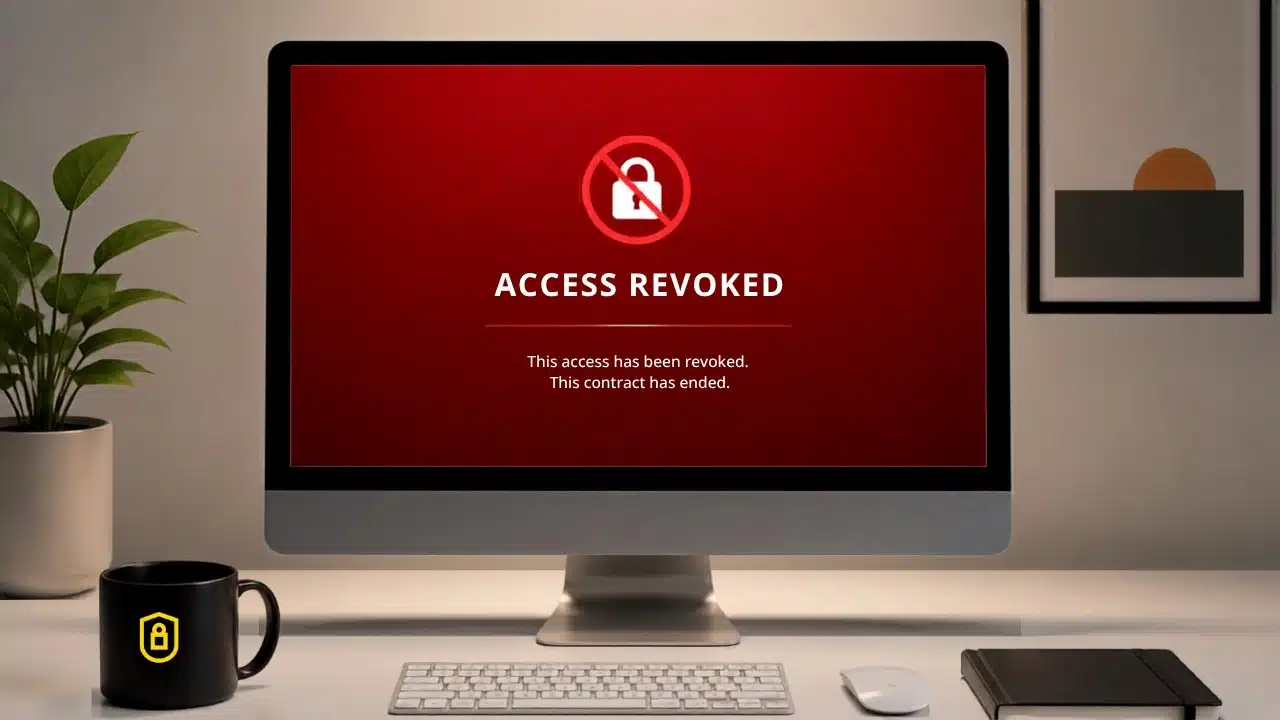
Then there’s the end of the engagement. A contractor finishes in August. Their laptop is theirs. The credentials are in their browser or their notes. Unless someone changes every password they touched, they still work — and the OAuth tokens and app integrations they authorised aren’t affected by a password change at all.
Five controls that replace a shared login
- Geo and IP restrictions. Access limited to the locations your practice actually operates from. A credential used from somewhere unexpected is blocked at the point of login, not found in a review weeks later.
- Password cloaking. Your remote bookkeeper opens Xero, MYOB or Dext and does the work without ever seeing the credential. Nothing to save, share, reuse, or take with them.
- Device and time-based controls. Access from managed conditions during expected hours, rather than an open door at 3am from an unrecognised machine.
- One-click offboarding. When the engagement ends, one action removes access across every connected application, portal and cloud drive — including the API connections and app integrations, which is the part manual offboarding almost always misses.
- Access logs and real-time monitoring to meet compliance regulations. Every person, every application, every access event, on one screen. That’s the record that answers “who could reach client data, and when did that stop?” — what the TPB expects a registered tax or BAS agent to produce on request, and what the Privacy Act’s requirement to switch off access once it’s no longer needed assumes you can evidence.
This isn’t an argument against hiring remotely
Practices doing it well are doing it with the access layer governed rather than shared. It takes the awkward conversation off the table entirely — you’re not asking a contractor to be trustworthy with your client’s bank feeds. You’re giving them exactly the access the job needs, and nothing else.
That access layer is what Practice Protect Core™ manages, set up and maintained for you rather than added to your list, by a Support Team that understands your world.
There are so many questions like this about your cyber security set up, and that’s the reason we’ve created The Firm Owner’s Security Checklist 2026. A 24-point self-assessment across device security, email and cloud storage, browser security, and compliance readiness. Tick what’s genuinely in place — the ones you’re unsure about are the ones worth a second look.
Download the Checklist
Trusted by 28,000+ Australian accounting and bookkeeping professionals.
Frequently Asked Questions
Should I share logins with an offshore or remote bookkeeper?
+
No. Sharing a login hands over everything behind that credential — permanently, from any location, on a device you don’t control. It also erases the audit trail, because three people using one login shows as one user. The alternative is governed access: the contractor works in Xero, MYOB or Dext without ever seeing the credential.
Does changing a password remove a contractor’s access?
+
Not entirely. A password change closes the login pathway, but OAuth tokens and app integrations the contractor authorised keep authenticating independently of that password. Active session tokens can also continue refreshing. Complete revocation means removing human credentials and non-human identity — tokens, API keys and app connections — at the same time.
What is APP 8 and does it apply if I hire offshore staff?
+
APP 8 of the Privacy Act requires firms using offshore staff or overseas service providers to take reasonable steps to ensure those recipients handle personal information in line with the Australian Privacy Principles. If your practice uses offshore bookkeeping or outsourced processing, it applies. Reasonable steps typically include geo/IP restrictions, an audit trail of offshore access events, a Third Party Access Agreement, and a formal offboarding process for contractors.
How do I remove a contractor’s access the moment an engagement ends?
+
Revoke access across every connected application, portal and cloud drive in one action, including API connections and app integrations, then keep a timestamped record of what was removed and when. Manual offboarding fails because most firms don’t hold a complete inventory of what the person could reach — they discover forgotten applications only after the person has gone. From 1 July 2026, AML/CTF Tranche 2 requires in-scope firms to maintain data integrity and access control over records for a minimum of seven years, so a contractor departure that leaves residual access to AUSTRAC-relevant records compounds the exposure.
What is password cloaking?
+
Password cloaking lets a staff member or contractor log into an application without ever seeing the underlying credential. They open Xero, MYOB or Dext and do the work; there’s nothing for them to save, share, reuse or take with them when the engagement ends.
Can I restrict access to my practice systems by location?
+
Yes. Geo and IP restrictions limit logins to the locations your practice actually operates from, so a credential used from an unexpected country is blocked at the point of login rather than surfacing in a review weeks later. Time-based controls add a second layer — access during expected working hours rather than an open door at 3am.
What does the TPB expect a registered tax or BAS agent to have in place for client data security?
+
Since 1 July 2025, every registered tax agent must maintain a Quality Management System under the TPB Code (Determination 2024), including documented systems for protecting client data. TPB Code item 6 covers client data confidentiality, and item 17 requires records of tax agent services to be kept securely for a minimum of five years. The TPB doesn’t mandate specific documents — it expects the system and the records to be demonstrable, and can suspend or deregister agents where IT controls are deficient. Access audit reports, MFA enforcement reports and offboarding timestamp records are the evidence that controls were operating in practice.
Is a former staff member still having access a Privacy Act problem?
+
Yes. APP 11, as amended by the Privacy and Other Legislation Amendment Act 2024, requires reasonable steps to protect personal information and now explicitly names multi-factor authentication, access privilege management, and deactivating accounts on departure as the technical and organisational measures firms must demonstrate. Residual access is a current state of unauthorised access, not a future risk — nothing has to have been accessed for the obligation to be live.
What’s the risk if a contractor can edit supplier bank details?
+
It’s the single highest-consequence permission in a bookkeeping practice. Behind one shared credential sits the client ledger and bank feeds, a payroll platform holding staff TFNs and bank accounts, the ability to change supplier bank details and build the payment file, and a document store carrying client identity records. Access should be scoped to the task, not the whole environment.
Do I need to stop hiring offshore to stay compliant?
+
No. Practices doing it well govern the access layer rather than share it. The controls — geo/IP restriction, password cloaking, device and time-based access, one-click offboarding and access logging — let you give a contractor exactly the access the job needs and nothing else, and produce the evidence that shows it. That access layer is what Practice Protect Core™ manages, set up and maintained for you.